
How it works
Five simple steps. Unlimited possibilities.
Whether you're publishing to one display or an international network, Stage follows the same straightforward workflow: Create → Organize → Schedule → Publish → Manage.
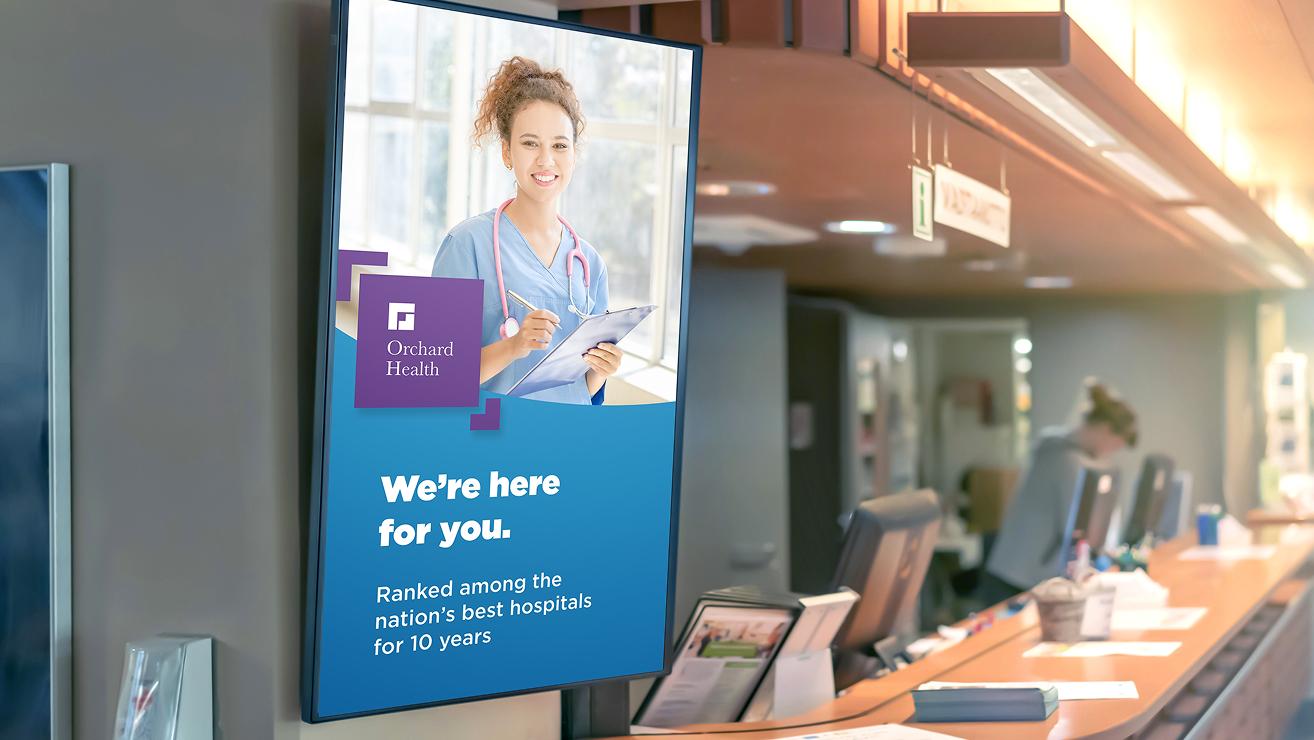
Create Without Constraints
•Any Display Format – Create for virtually any aspect ratio, resolution, or orientation—from standard displays and portrait screens to ultra-wide LED canvases and completely custom configurations.
•Built for Custom Spaces – Power video walls, architectural displays, projection environments, immersive rooms, and multi-display installations from one creative workflow.
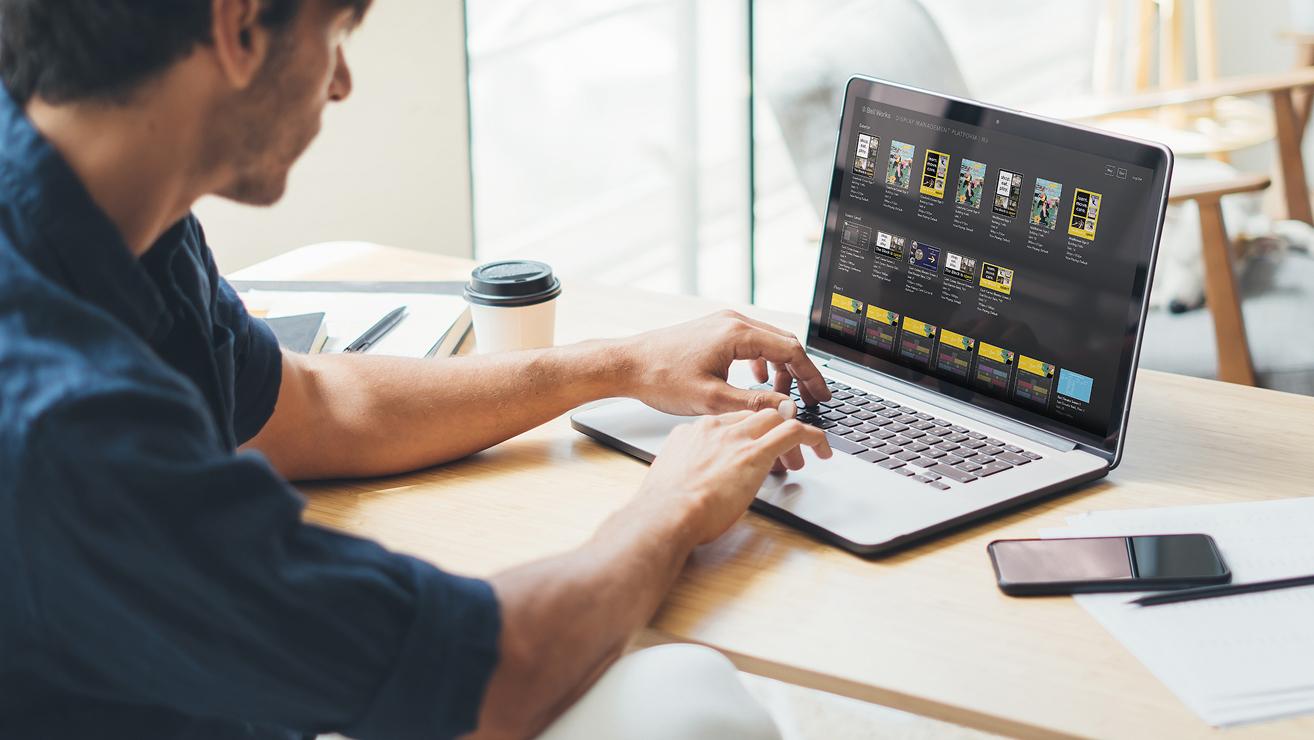
Manage Content
•Centralized Content Management – Organize images, videos, playlists, and layouts in one place, making content easy to manage, update, and reuse.
•Remote Management – Update content from anywhere and publish changes across one display or an entire network without visiting each location.
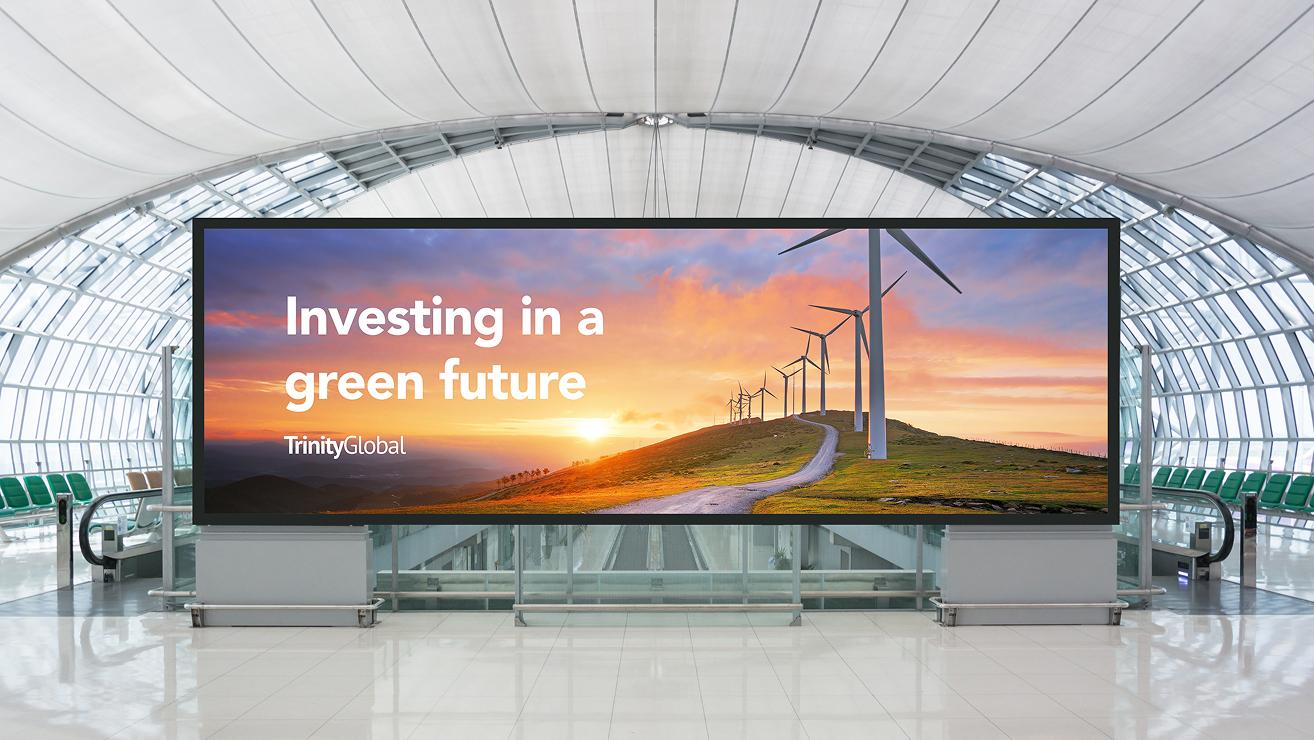
Organize Playlists
•Reusable Playlists – Build playlists once and easily assign or adapt them across displays, locations, campaigns, or audiences.
•Quick Updates – Add, remove, or reorder media in seconds, making it easy to keep messaging fresh and relevant.
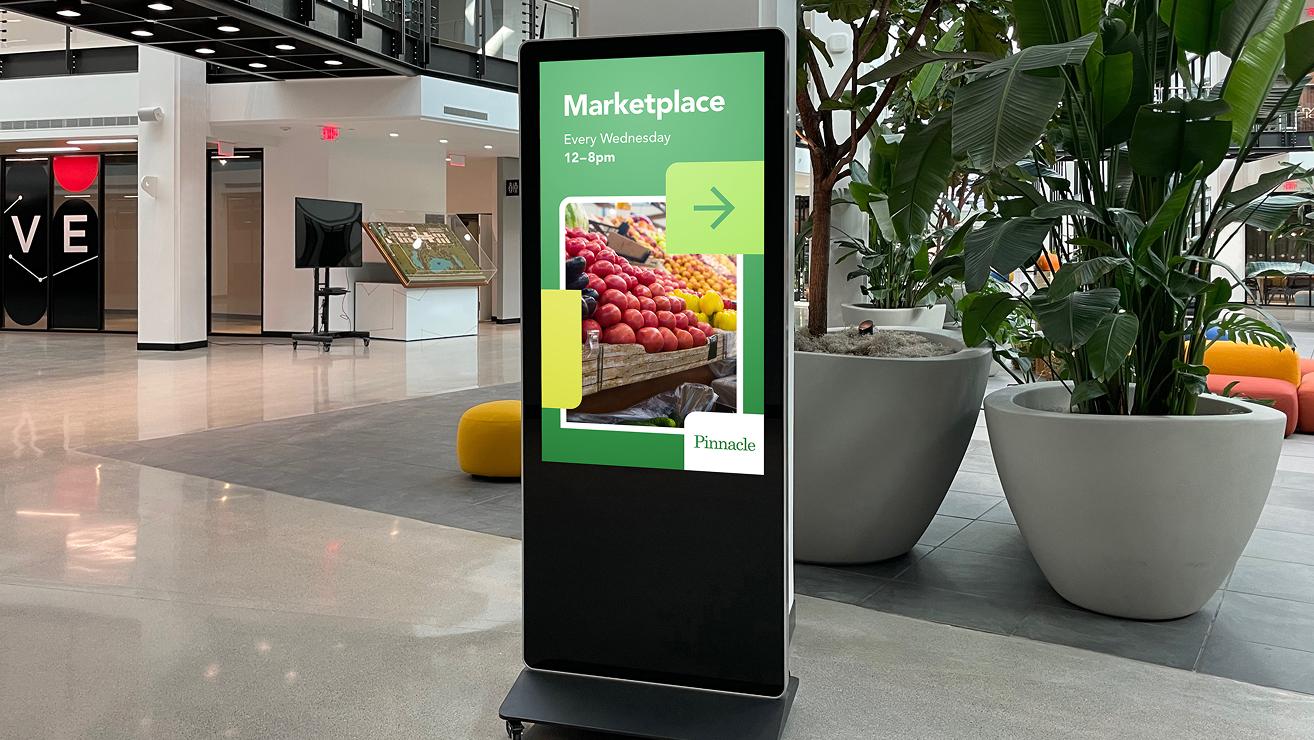
Schedule Content
•Flexible Scheduling – Schedule content once or create recurring daily, weekly, monthly, or custom schedules.
•Precise Timing – Control when content begins and ends, allowing messaging to automatically change by time of day, event, season, or business hours.

Publish Everywhere
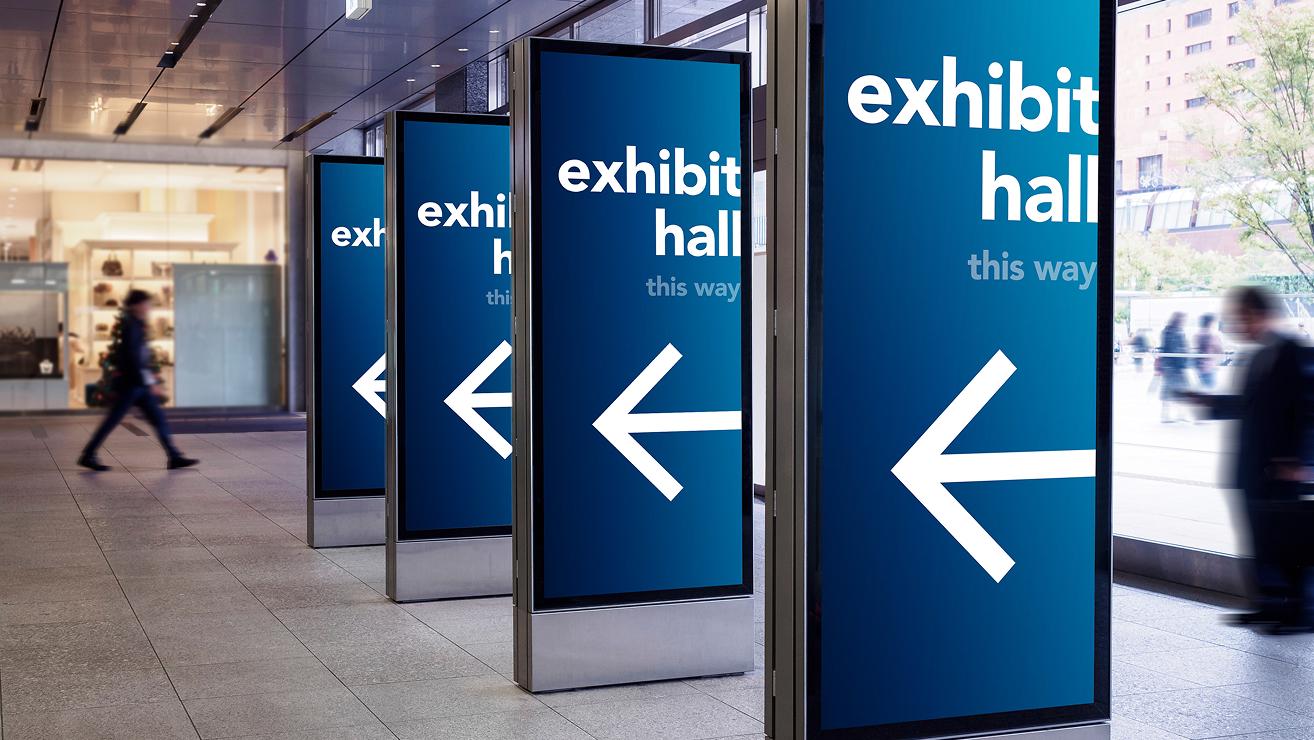
•One-Click Publishing – Send content to one display or thousands, whether they're across the hall or around the world.
•Reliable Synchronization – Keep displays connected and current with cloud-based distribution that

Live Data
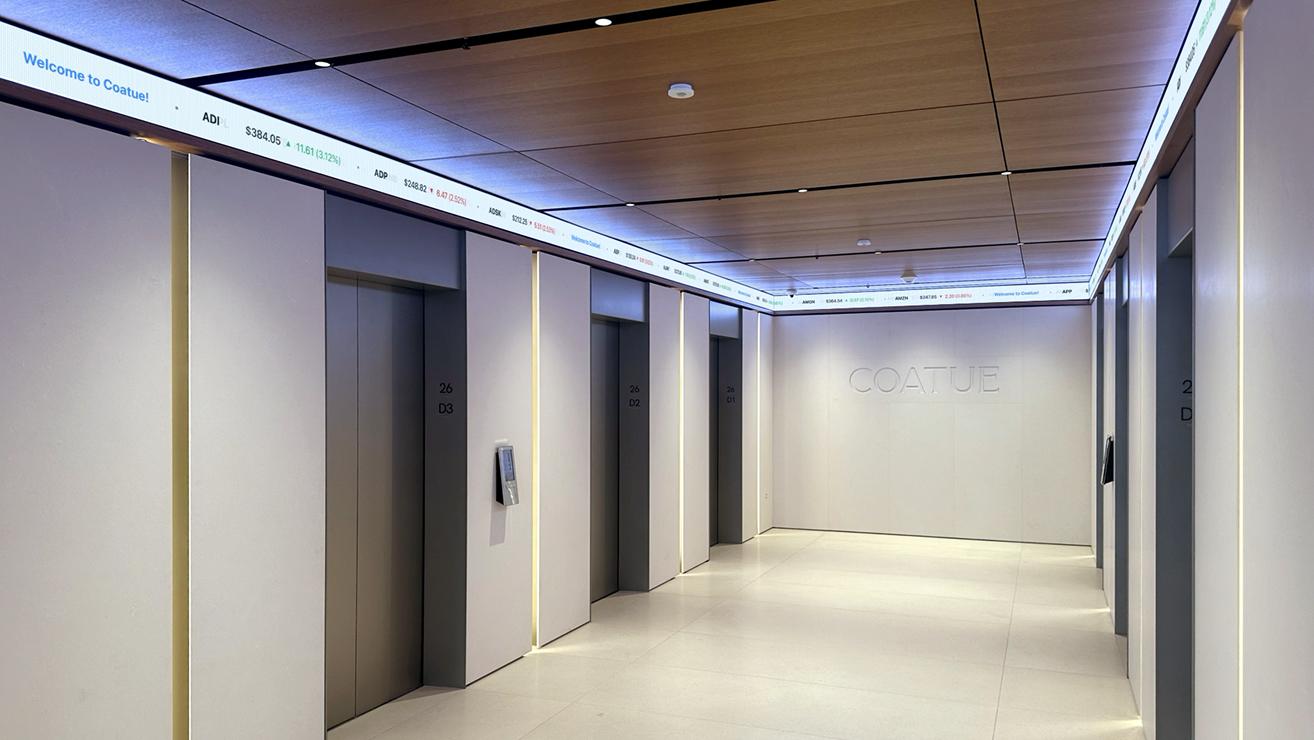
•Real-Time Content – Display live information such as weather, news, schedules, occupancy
•Connected Data – Integrate custom data feeds and third-party systems to bring relevant, real-time
